Introduction
Building a WordPress website used to mean working with themes, custom CSS, and PHP files. Today, page builders have completely changed how websites are designed. With drag-and-drop editing and real-time previews, even a beginner can create a professional website in hours.
But here’s the real problem: Not all page builders are created equal.
Some look beautiful but slow down your site.
Some are fast but lack flexibility.
Others feel powerful initially but cause problems when your website grows.
This guide goes beyond surface-level comparisons. Instead of listing features, we’ll explore how page builders actually behave in real-world WordPress projects, so you can confidently choose the best one for your website.
What Does a Page Builder Really Do in WordPress?
At its core, a page builder replaces the traditional WordPress editor with a visual layout system. Instead of writing content and hoping it looks good on the front end, you design the page visually as your visitors will see it.
How Page Builders Change Website Creation
Page builders handle:
- Page layout structure
- Responsive design for mobile and tablets
- Styling without CSS
- Interactive elements without JavaScript
They act as the bridge between design and content, allowing site owners to maintain full control without touching code.
Why the “Best” Page Builder Depends on Your Goal
There is no universal winner because WordPress websites serve different purposes. A blogger focused on SEO will have very different needs compared to an agency building conversion-focused landing pages.
Key Factors That Truly Matter
Performance
Your page builder directly affects loading speed, Core Web Vitals, and user experience.
SEO Compatibility
Clean HTML output, schema support, and minimal DOM structure matter more than visual effects.
Scalability
A website should be easy to maintain and expand after 1 year—not just look good on day one.
Editing Experience
A page builder should feel intuitive, not overwhelming.Understanding these factors helps eliminate confusion created by marketing hype.
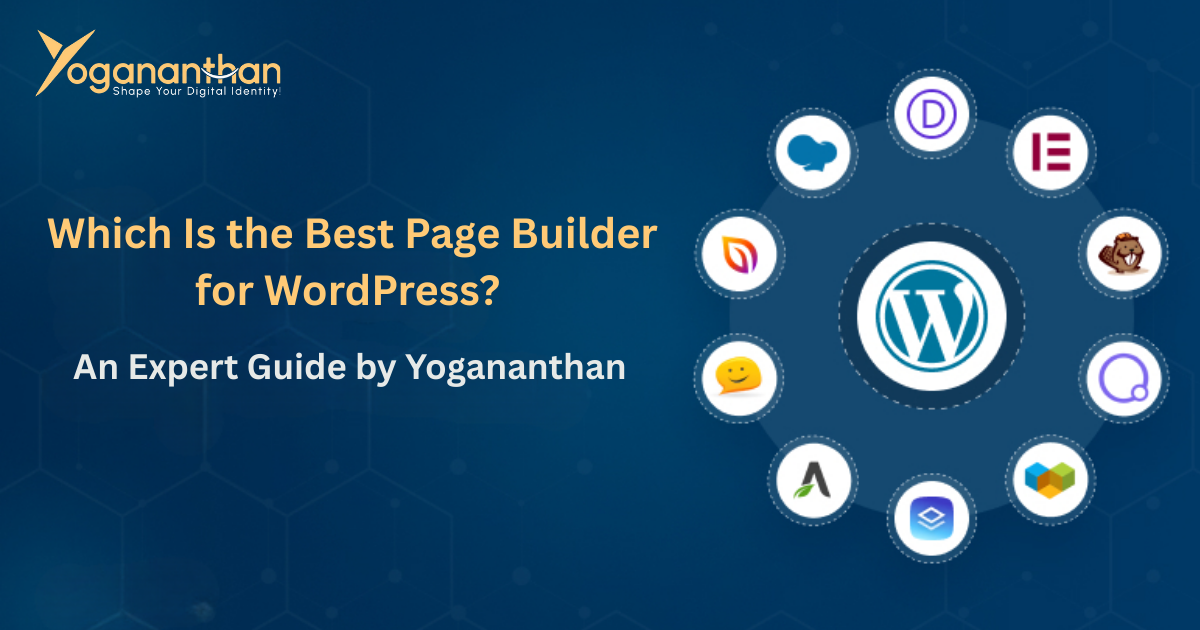
Elementor: Power and Flexibility at a Cost
Elementor became popular because it delivers instant visual satisfaction. You can design complex layouts, animations, and dynamic pages without any coding knowledge.
Real-World Experience with Elementor
For business websites, portfolios, and landing pages, Elementor offers unmatched creative freedom. However, this flexibility comes with a technical tradeoff.
Elementor adds additional HTML wrappers and scripts. On poorly optimized hosting or heavy designs, this can impact page speed. When combined with proper optimization, caching, and clean design practices, Elementor performs well—but it requires discipline.
Who Elementor Truly Fits
Elementor works best for:
- Businesses focused on conversions
- Freelancers building client sites
- Websites where design matters more than raw speed
Gutenberg: The Quiet Performer Behind High-Ranking Sites
Gutenberg is often underestimated because it doesn’t look flashy. But from a technical and SEO perspective, it is the cleanest editor WordPress offers.
Why Gutenberg Wins in Performance
Since Gutenberg is built into WordPress core:
- It produces minimal HTML
- Loads fewer scripts
- Improves Core Web Vitals naturally
Modern Gutenberg blocks, combined with block-based themes, allow impressive layouts without hurting performance.
Who Should Choose Gutenberg
Gutenberg is ideal for:
- Content-heavy blogs
- SEO-first websites
- Educational platforms
- Long-term scalable projects
Divi: A Designer’s Playground with Tradeoffs
Divi appeals to designers because of its styling depth and animation capabilities. Everything from spacing to motion is controllable.
The Technical Reality
Divi stores layouts using shortcodes. While this provides flexibility inside Divi, it creates challenges when switching builders or optimizing performance later.
Divi can deliver stunning visuals, but it demands:
- Strong hosting
- Strict optimization
- Commitment to the ecosystem
Beaver Builder: Stability Over Visual Flash
Beaver Builder doesn’t try to impress with fancy UI. Instead, it focuses on reliability and clean output.
Why Developers Trust It
Its code structure is predictable, making it safe for long-term enterprise websites. It integrates smoothly with custom themes and doesn’t lock content aggressively.
For mission-critical websites where stability matters more than design flair, Beaver Builder stands strong.
So, Which Page Builder Is Actually the Best?
The best page builder is the one that aligns with your long-term website strategy, not just short-term appearance.
Best by Use Case
For SEO-Focused Websites
Gutenberg is unmatched.
For Business & Lead Generation
Elementor offers the best balance of usability and power.
For Creative Design-Heavy Sites
Divi excels visually.
For Long-Term Stability
Beaver Builder is the safest choice.
Final Verdict
If you want maximum control, fast development, and visual impact, Elementor remains the most practical choice for most users.
If your priority is speed, clean code, and future-proof SEO, Gutenberg is the smarter investment.
There is no “wrong” builder—only wrong choices for the wrong goals.
Yogananthan – WordPress Page Builder Expert in India
Choosing a page builder is only half the work. Using it correctly is what determines performance, SEO, and user experience.
Yogananthan is a professional WordPress developer in India specializing in:
- Elementor & Gutenberg architecture
- Performance-first website builds
- SEO-optimized structure from day one
- Core Web Vitals improvement
- Scalable WordPress solutions